01
Add your rap song
Upload audio or paste a Suno, YouTube or TikTok link. Use one verse or the whole track.


Rap music videos with AI
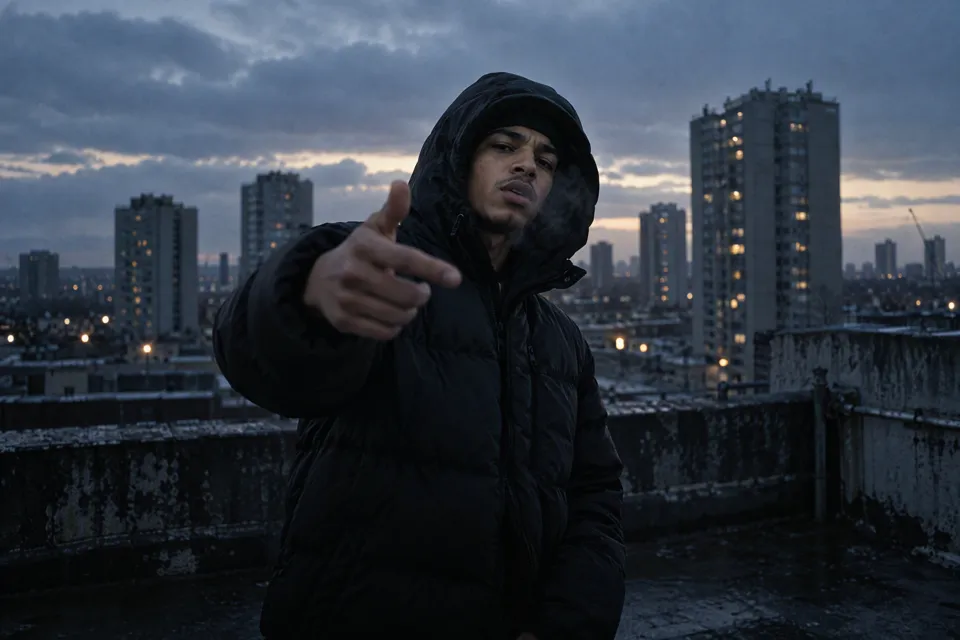
Turn your rap track into a music video. Pick a rapper and they perform your verses straight to camera, in sync with every bar.
No track yet? Create a rap song first →
Made with CAVN AI
Lyrics on screen, made for YouTube and TikTok.
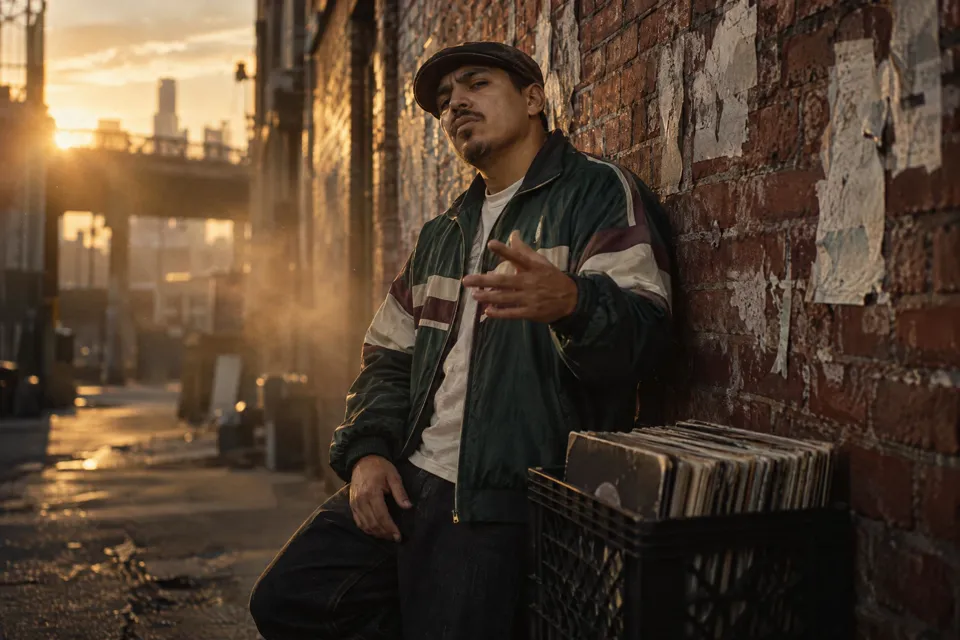
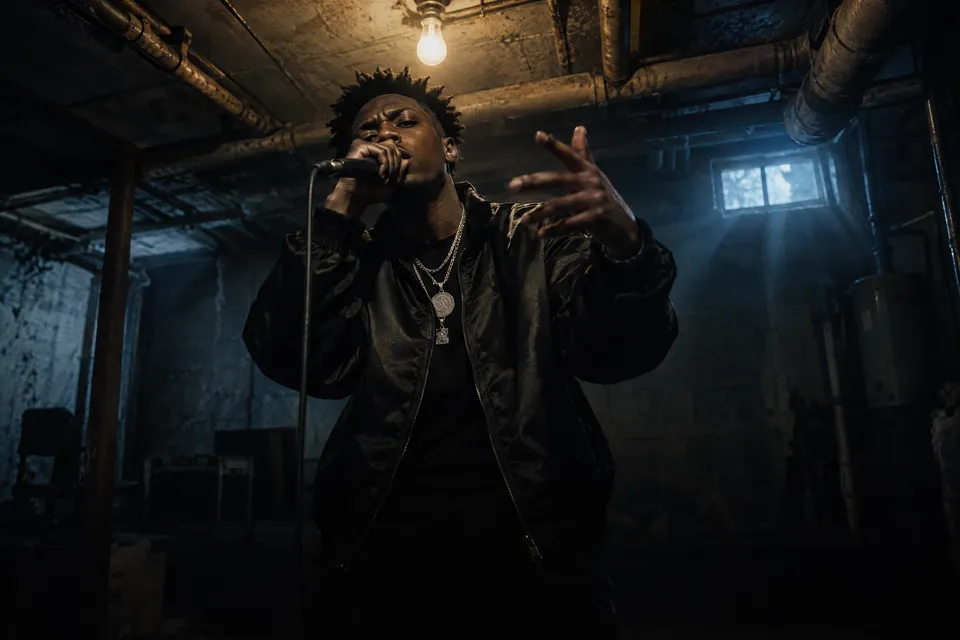
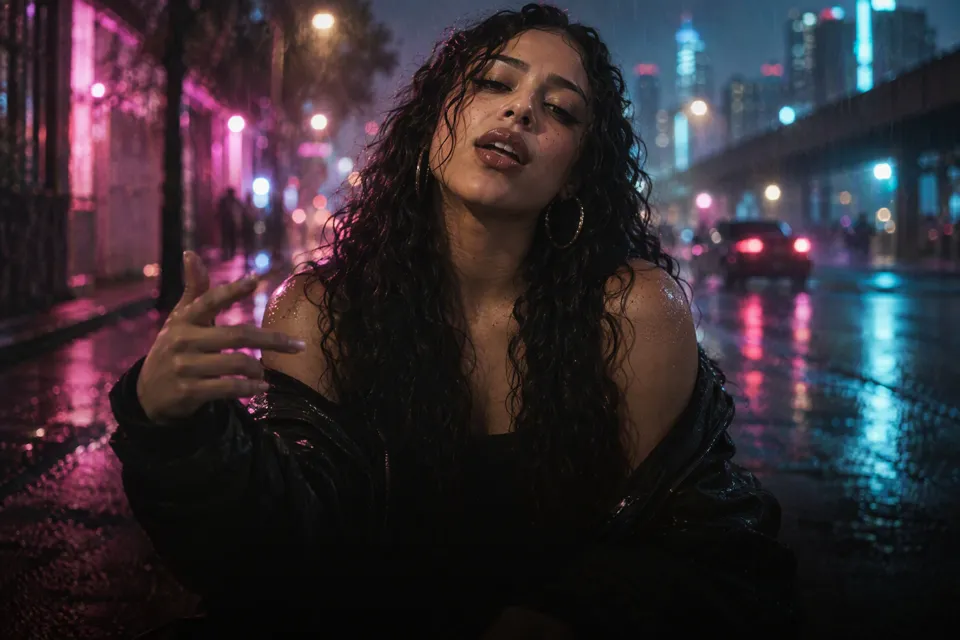
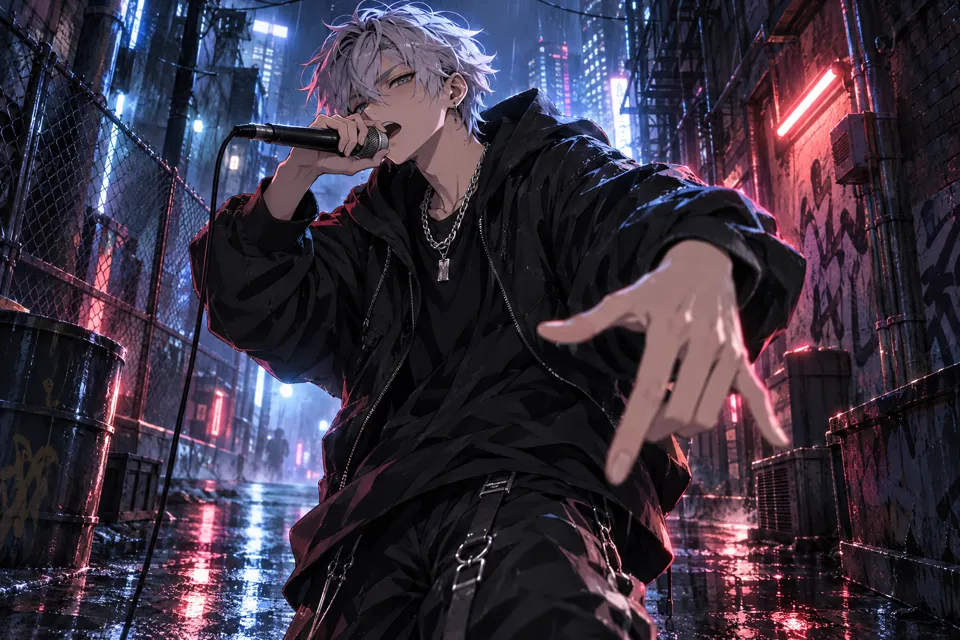
Every kind of rap
Choose the artist and the scene that fit your track.
How it works
01
Upload audio or paste a Suno, YouTube or TikTok link. Use one verse or the whole track.
02
Pick a ready-made artist or create one from your own photos.
03
Turn on lyric subtitles, check the price, then download for YouTube, TikTok or Reels.
Start from scratch
Generate a rap song from your own lyrics or an idea, then turn it into a video in the same workspace.
Yes. You can start free with daily credits. Every video shows its price before you generate, and longer or higher-resolution videos cost more.
Yes. Upload an audio file or paste a Suno, YouTube or TikTok link, then choose the part of the song you want, from one verse to the full track.
Your rapper lip-syncs to the vocals in your track, from fast verses to the hook.
Yes. Turn on lyric subtitles and choose their style, size and position. Lyrics come from your song, and you can check or replace them.
Yes. Use portrait photos of your rapper for a 9:16 video, or landscape photos for a 16:9 video for YouTube.
Yes. Create a digital artist from your photos, or pick a ready-made one. Use only photos you own or have permission to use.
Paid plans include commercial use rights; the free plan is for personal, non-commercial use. You still need the rights to the music, images and likeness in your video.
Continue in your workspace and see the price before you generate.