

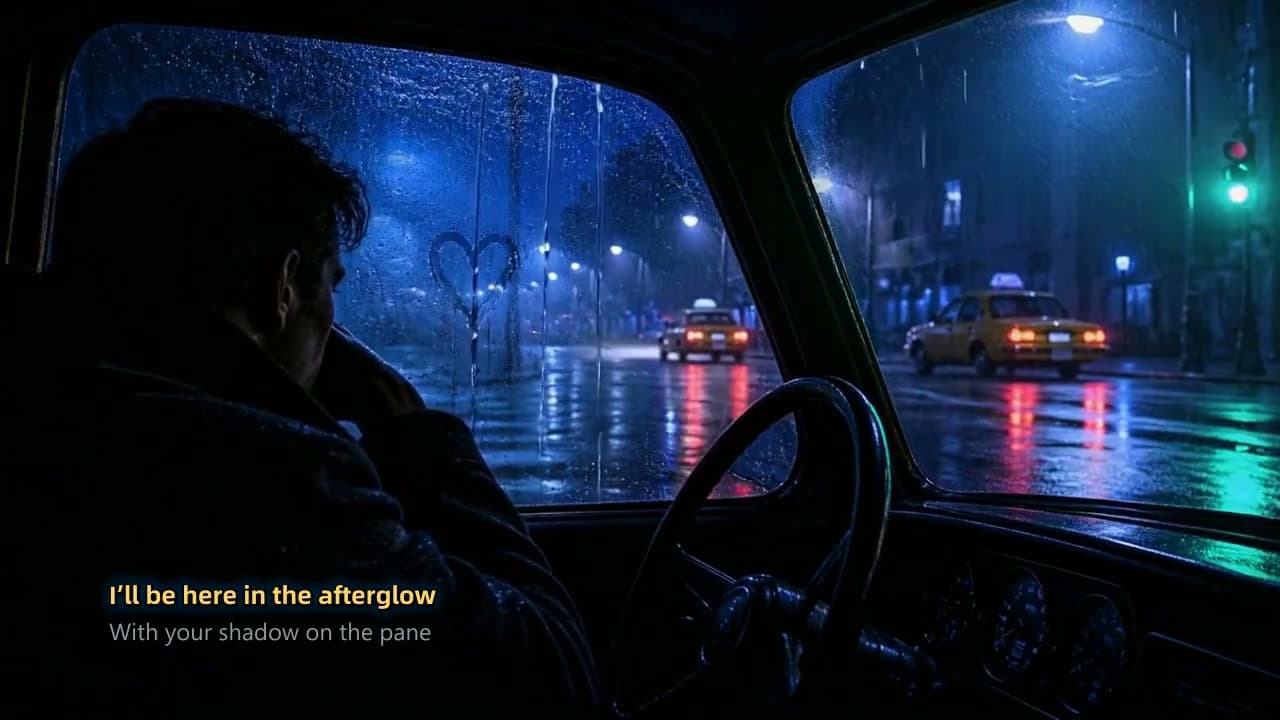
YOUR SONG. YOUR WORDS. IN MOTION.
AI Lyric Video Maker
Give your song a world to live in. Turn your audio and lyrics into expressive AI visuals, with the words appearing in time with your music.
Current 720p workflow. Review the final quote in the creator.
MADE WITH CAVN AI
A different world for every song.
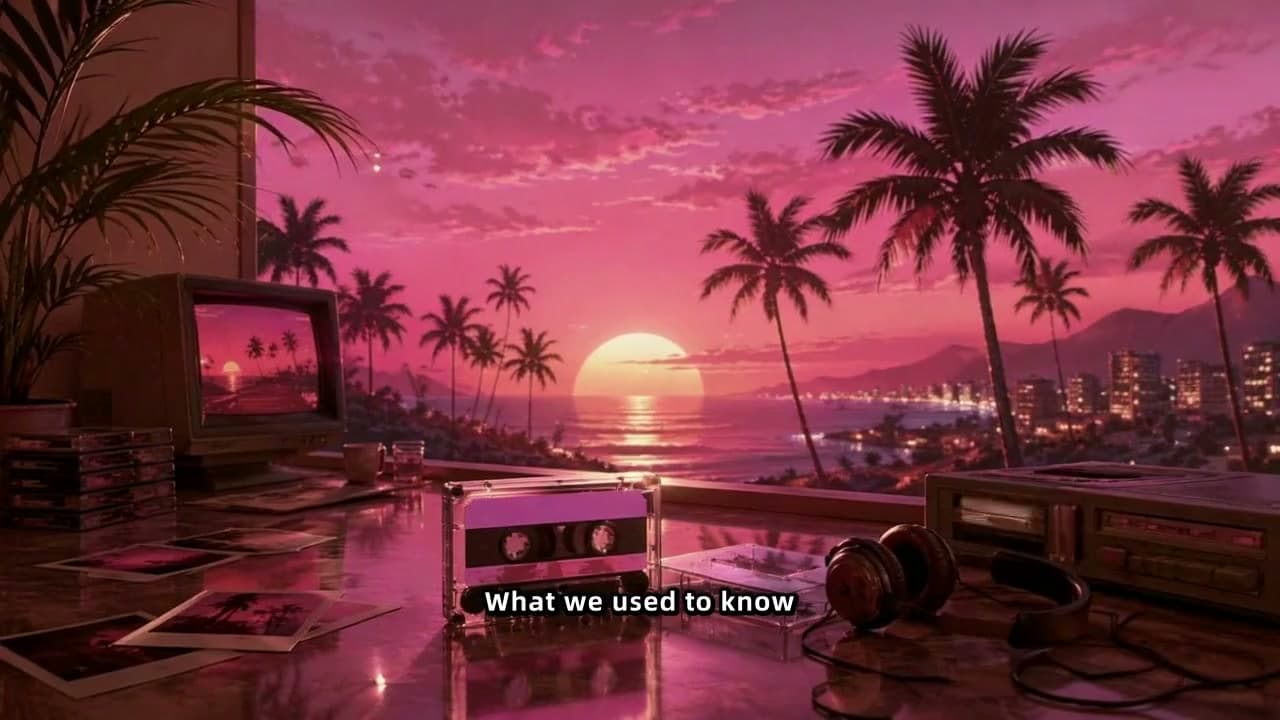
Explore these existing videos from the public showcase. Watch how imagery and lyric subtitles give the music a visual setting.
Streetlight Confession
LandscapeSunset Cassette
LandscapeSuper 8 Summer
PortraitTideglass Dreams
PortraitSMALL COST. FULL SONG.
Make more videos. Spend less.
The current 720p lyric video workflow costs 20 credits per generation, rather than a per-minute rate. A three-minute song uses the same quoted 20 credits as a shorter song in this workflow.
View plans and credit packs20credits per video
About $0.47 in credits
Based on the $20 pack of 850 credits: 20 credits ≈ $0.47. Requires purchasing the pack; this is a credit-value illustration, not a standalone $0.47 purchase. Pack credits expire after 30 days.
Each new generation or additional format uses credits. Currency value varies by the plan or pack you buy; review the creator's quote before submitting.
Price checked 2026-09-22
FROM AUDIO TO SCREEN
How to make a lyric video
Start with the recording you already love. In the creator, choose how the visuals and lyrics appear together.
- 01
Bring your song
Upload an MP3, WAV, FLAC, M4A or AAC file up to 120 MB, or choose a song from your library. Add the song title and lyrics to guide the visual direction.
- 02
Set the mood
Let AI choose a visual style or pick your own, from cinematic and anime to watercolor. Select landscape or portrait and adjust subtitle style, size and position.
- 03
Create for 20 credits
The current 720p workflow is 20 credits per video. Review the quote in the app, generate, then preview and download your result. Completed videos remain in your generation history.
THE WORDS MATTER
Your lyrics, at the right moment.
Timed LRC lyrics determine when each line appears. Pair them with your exact recording, then choose the subtitle look that fits the song.
Bring the timing with you
Upload an LRC file or paste lyrics with timestamps such as [00:12.00]. Plain lyrics can guide the images, but are not automatically converted into synchronized subtitles.
Make the words part of the picture
Choose a subtitle style, adjust its size and place it within the frame. Keep subtitles on for a lyric video, or turn them off for a visual-only music video.
One song. The right format.
Choose 16:9 for a landscape release or 9:16 for vertical music posts. Current video output is 720p. Prepare a separate generation for each format you need.
GOOD TO KNOW
Lyric video maker FAQ
How do I make a lyric video online?
Open the CAVN AI lyric video creator, upload your song or choose one from your library, and add the title and lyrics. Choose a visual style and format, then review the 20-credit quote for the current 720p workflow. To display synchronized words, supply timed LRC lyrics. Generate, preview and download the finished video.
How much does a lyric video cost, including a three-minute song?
The current 720p workflow costs 20 credits per generation, not per minute. That is about $0.47 in credit value using the $20 pack of 850 credits. The same quote applies to a three-minute song. You must purchase the pack; it is not a standalone $0.47 purchase, and pack credits expire after 30 days. Other plans can have a different credit value.
Is this a free lyric video maker?
You can browse the examples and explore the creator before deciding. Generating a video uses 20 credits with the current 720p workflow. Sign in to check your available balance and the final quote; unlimited free generation is not included.
Can AI add and synchronize lyrics automatically?
AI creates the visual atmosphere from your song title and lyrics. Synchronized subtitles require timestamps: upload an LRC file or paste timed lyrics that match your recording. Plain lyrics are not automatically transcribed or aligned in this workflow. You can adjust subtitle style, size and position, or turn subtitles off.
How do I make a lyric video for YouTube or TikTok?
Choose 16:9 for a landscape YouTube video, or 9:16 for TikTok, Reels and Shorts. Current output is 720p. Each format is a separate generation with its own credit charge. Use audio and lyrics you have permission to publish.
Can I make a lyric video on my phone?
Yes. Open the creator in your phone's browser, upload audio or select a library song, add timed lyrics, and choose your settings. You can preview and download the finished video. File selection and saving follow your phone and browser's available options.
Can I use a song made with Suno?
Yes. Download your song through Suno's available export options, then upload the audio file and matching lyrics. This workflow uses an audio file, not a Suno URL. Download access and usage rights depend on the source platform's terms.
Is a lyric video different from a lip-sync music video?
A lyric video shows words over a visual atmosphere. A lip-sync video shows a performer singing. This page's 20-credit quote applies to the lyric video workflow; singing music videos use a separate tool and pricing.
READY FOR ITS NEXT CHAPTER
Let your next song be seen.
Bring the audio. Choose the atmosphere. Give your lyrics a place on screen.