AI Album Cover Generator
Create a music cover from your song title and ideas.
Cover preview
1:1 square coverGeneration history
Your generated covers will be saved here.
Give your music a visual world
Turn your song’s mood, favorite colors and imagined scenes into cover art that feels like your music.
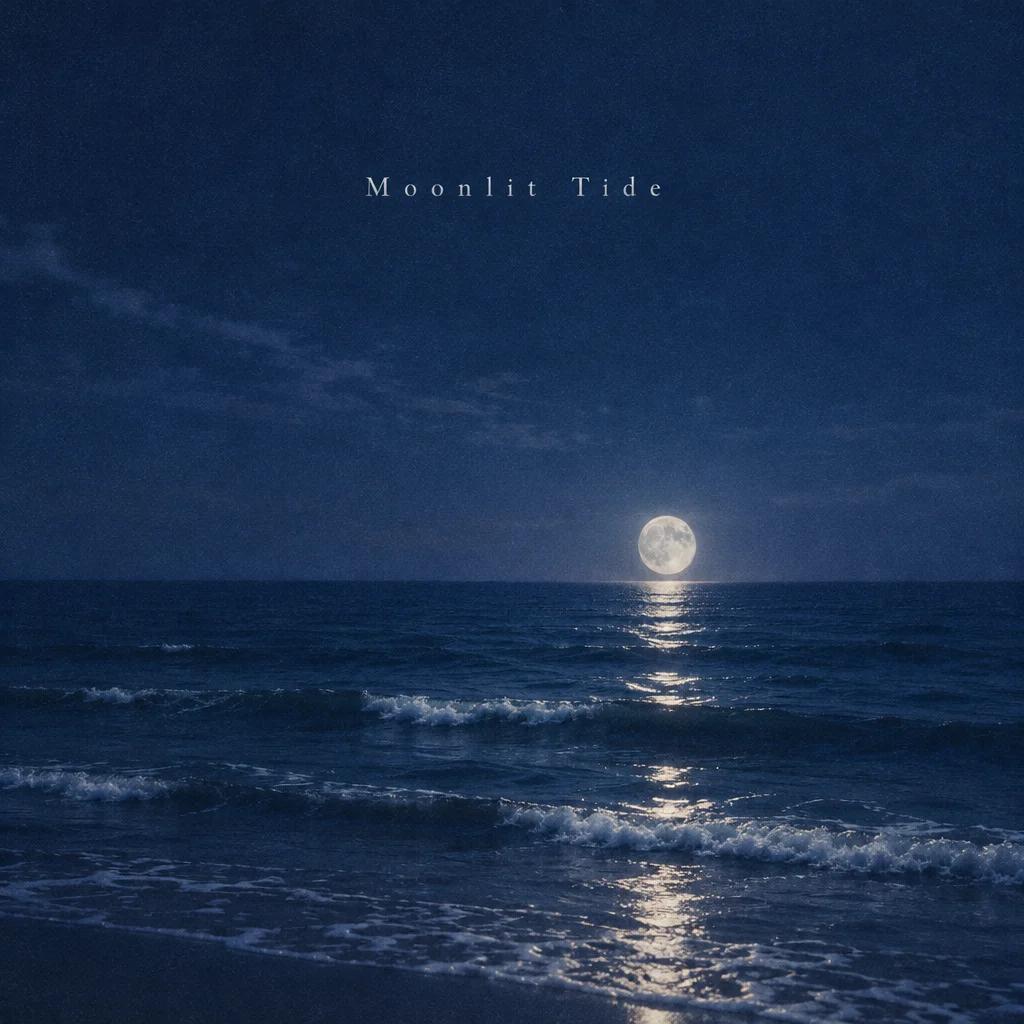
Moonlit Tide
Midnight water, silver moonlight and open space for a quiet, dreamlike sound.
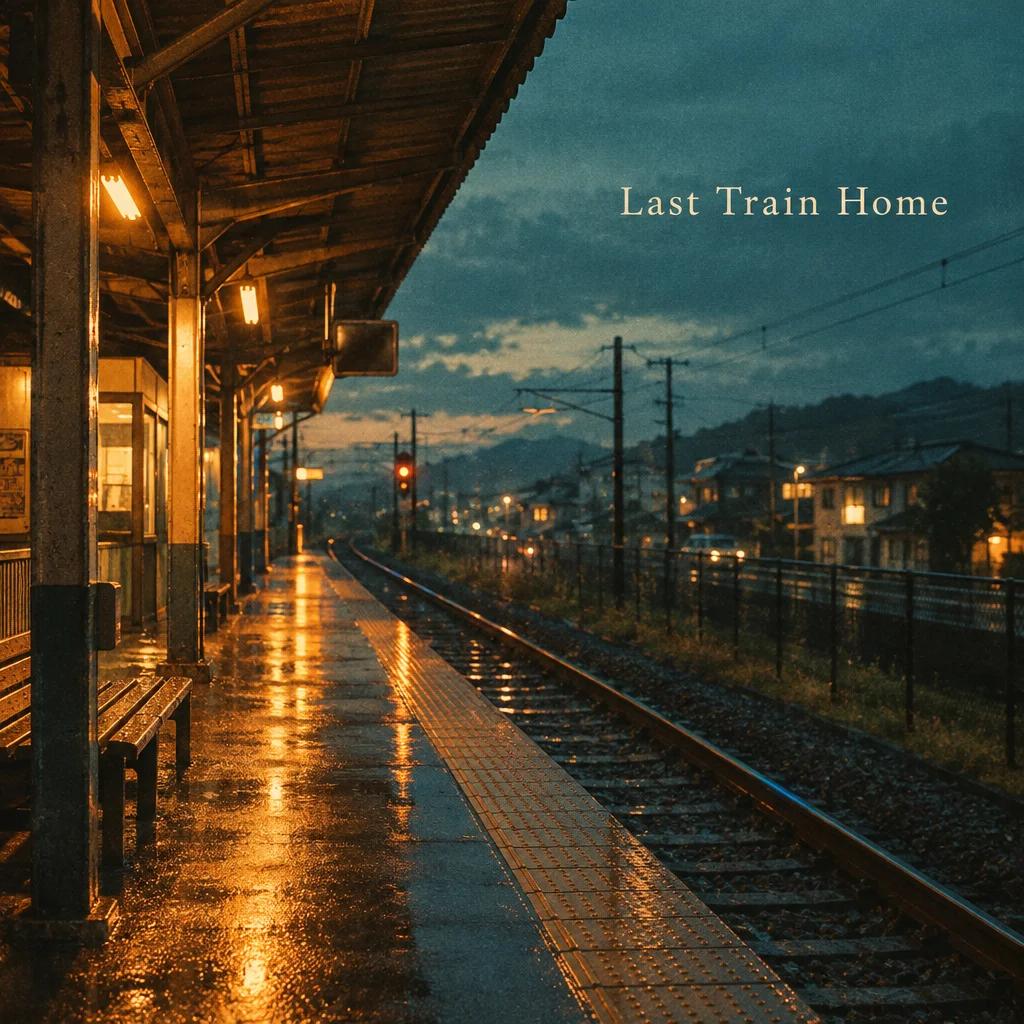
Last Train Home
A rain-soaked platform and warm station lights, captured with nostalgic film texture.
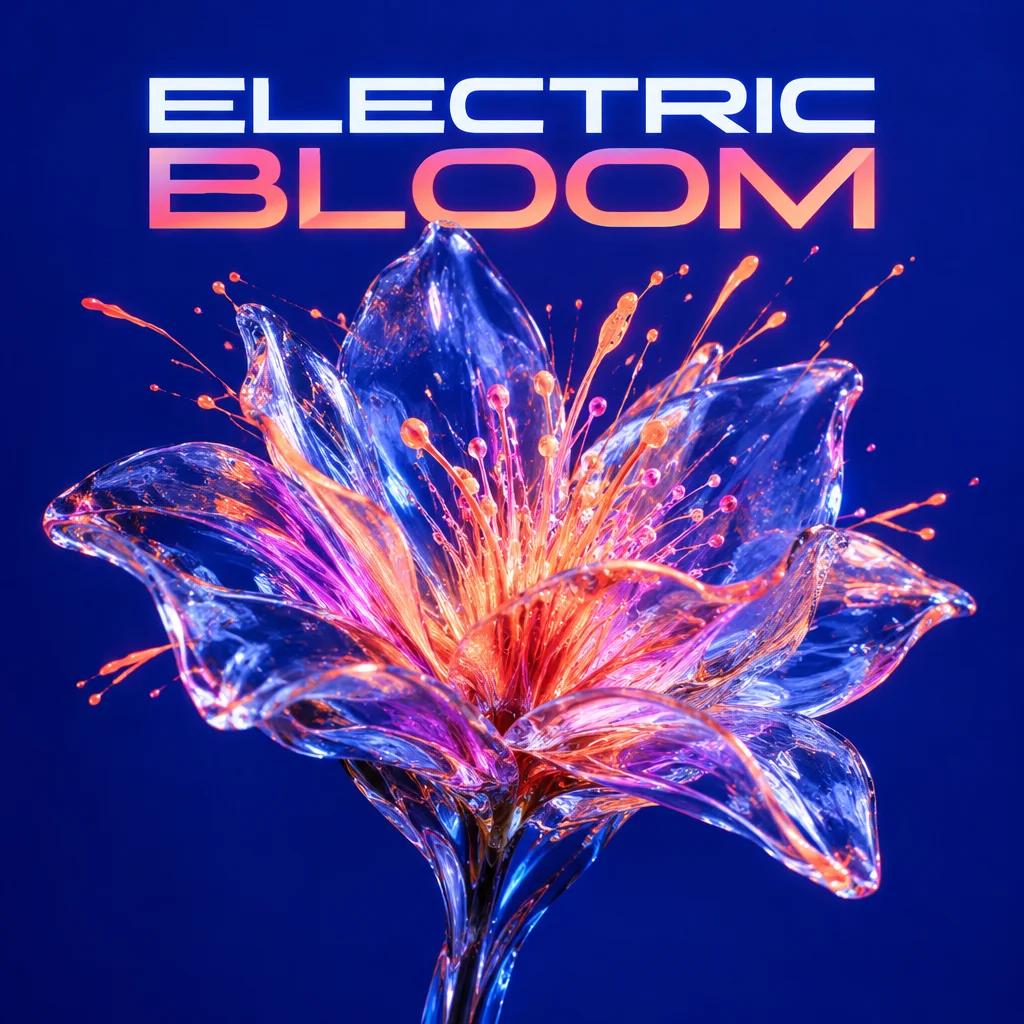
Electric Bloom
A glass flower and saturated light turn a burst of energy into vivid artwork.
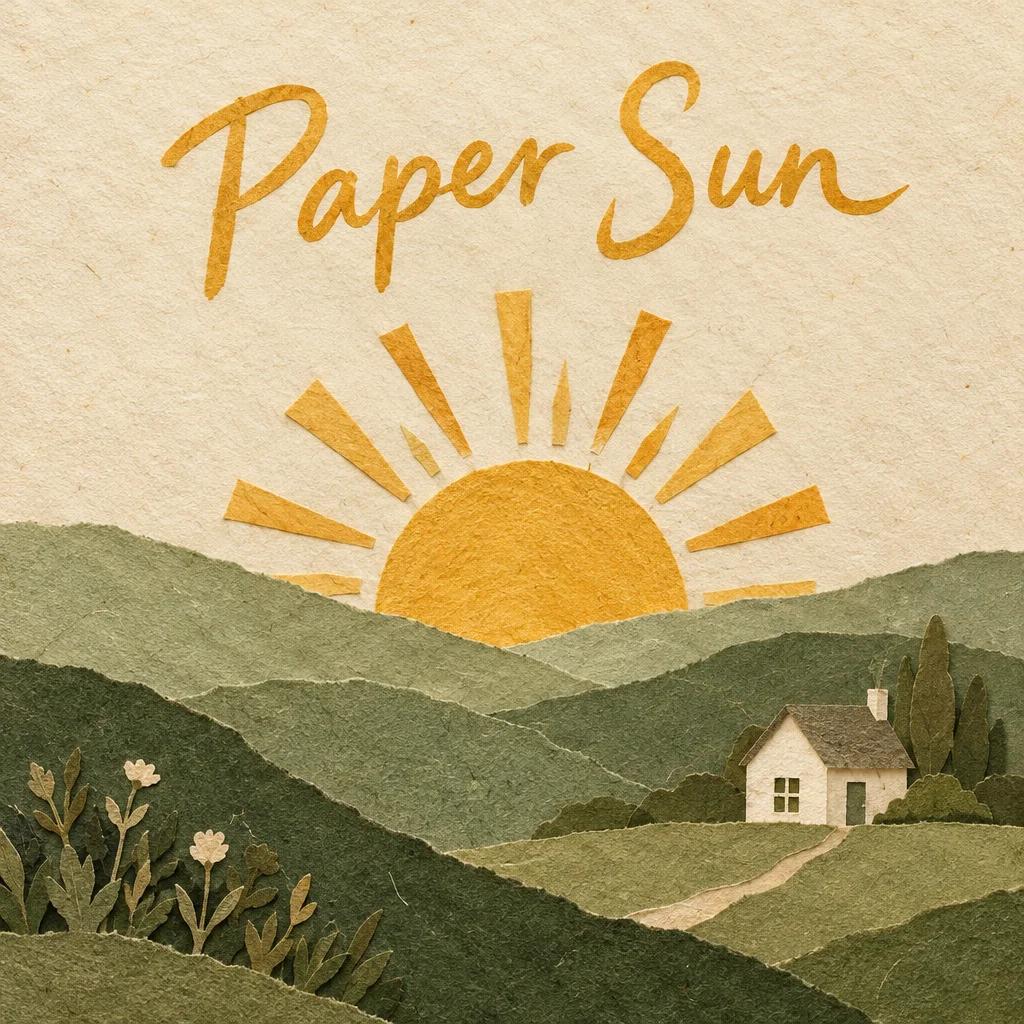
Paper Sun
Paper textures, a golden sun and layered hills create a warm, handmade feel.
From a song to its cover
Add your song
Enter a title or choose a library song to fill in its details. Lyrics are optional and can add mood and story.
Describe your vision
Optionally describe colors, a scene, an art style or typography. You can also generate with just a song title.
Download or apply
Download the square artwork. If you selected your own library song, confirm the replacement to apply its new cover.
Questions about AI album artwork
Can I generate a cover without lyrics?
Yes. Only a song title is required. Lyrics and creative requirements are optional and can help guide the mood and imagery.
What album cover styles can I create?
Describe photography, illustration, vintage film, paper art or an abstract style. You can also suggest colors, scenes and typography. Results vary with your input.
How many credits does a cover cost?
The credits required appear near the generate button before you submit. Viewing examples, entering song details and applying an existing result do not start another image generation.
What size is the generated cover?
The tool generates square 1:1 artwork at the current default 1K resolution. Download the result and adjust it further if your publishing platform requires a different size.
How do I change a library song’s cover?
Choose a library song, generate artwork and select Apply cover. After confirmation, the cover updates for a song you have permission to edit. Downloading does not replace the original cover.